
True Interactivity for Bringing People Together
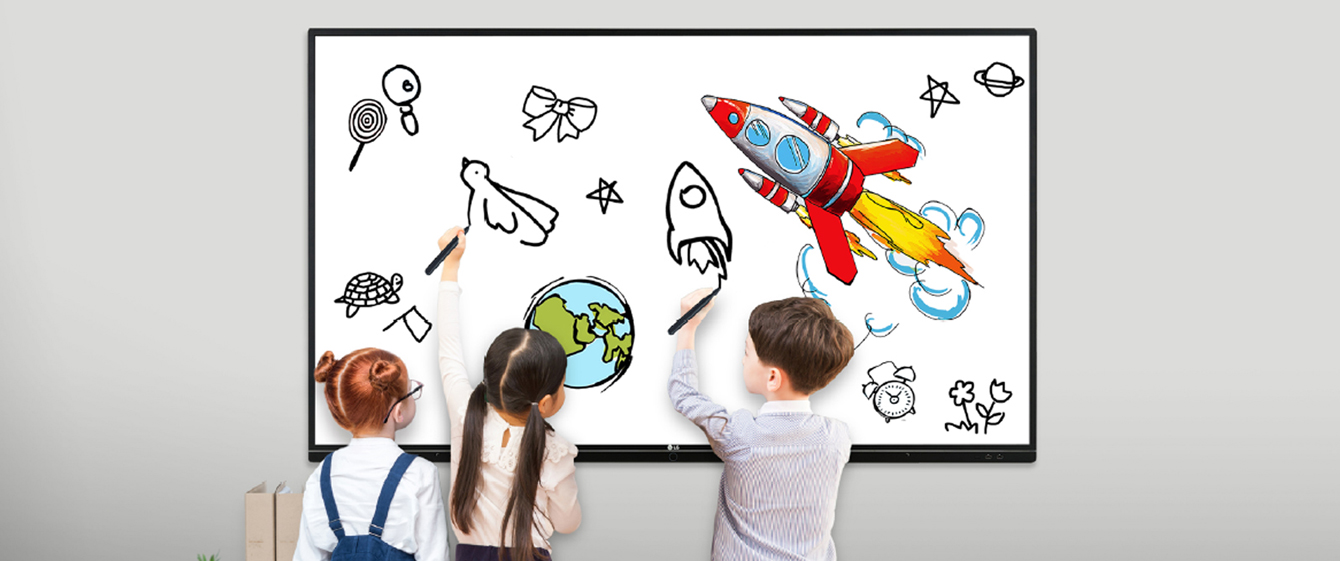
GENUINE TOUCH & WRITING EXPERIENCE
Multi Touch & Writing
The TR3BF series can simultaneously use up to 20 points of multi touch. This function offers a lifelike board writing experience and makes collaboration much easier.
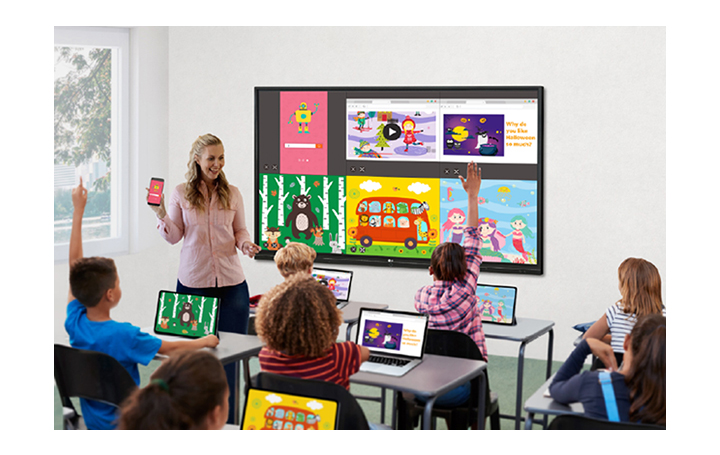
EASY CONNECTION & SHARING
ScreenShare Pro Upgrade
With the newly upgraded ScreenShare Pro, which enables to show a maximum of six shared screens or a file on a screen in real-time, it has enhanced usability by allowing users to share Chromecast mirroring on the same network without any application.
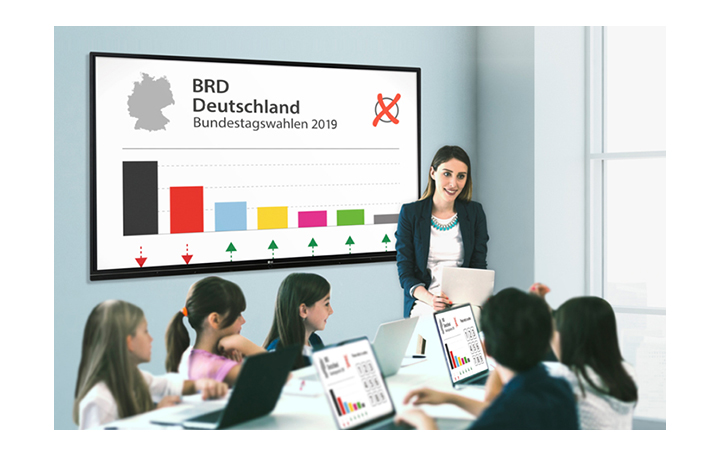
EASY CONNECTION & SHARING
Air Class
Air Class supports connecting up to 30 students and offers interactive meetings for all mobile devices on the same network, providing a variety of tools such as voting, answering, and sharing project texts.
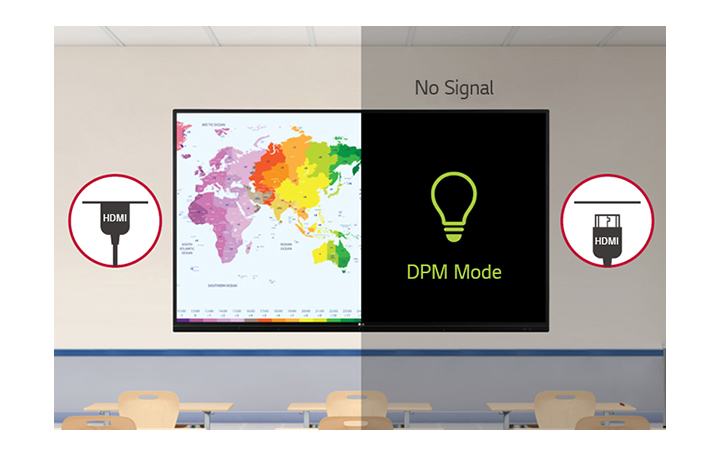
USER FRIENDLY EXPERIENCE
DPM (Display Power Management)
By activating DPM function, the display can be set to be on only when there is an input signal, which enables more efficient power management.
USER FRIENDLY EXPERIENCE
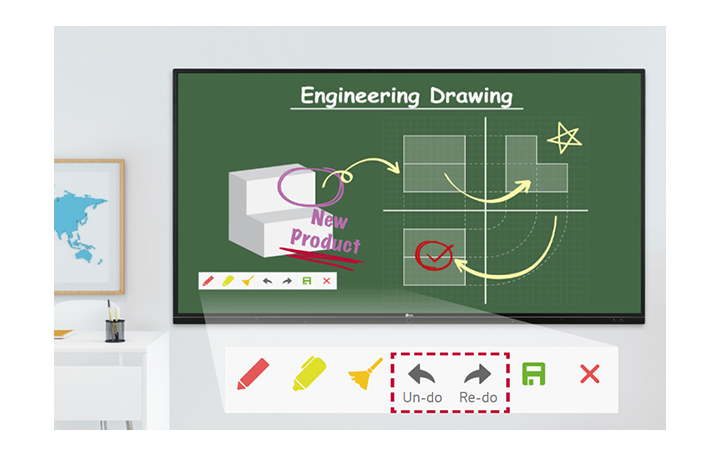
Annotation Upgrade
At annotation tool mode, ‘Un-do’ and ‘Re-do’ functions provide enhanced user experience. (Annotation tool can be used on any source.)
USER FRIENDLY EXPERIENCE
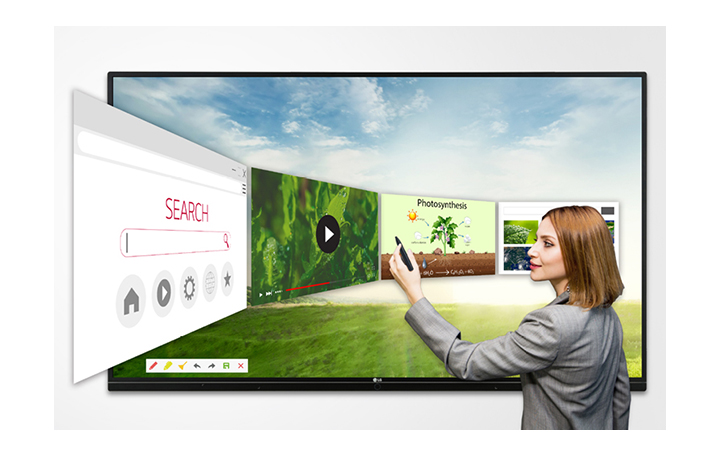
Web Browser
The TR3BF series supports the web browser in the Android OS, so you can search the web easily and quickly, without connecting to an external desktop.
USER FRIENDLY EXPERIENCE
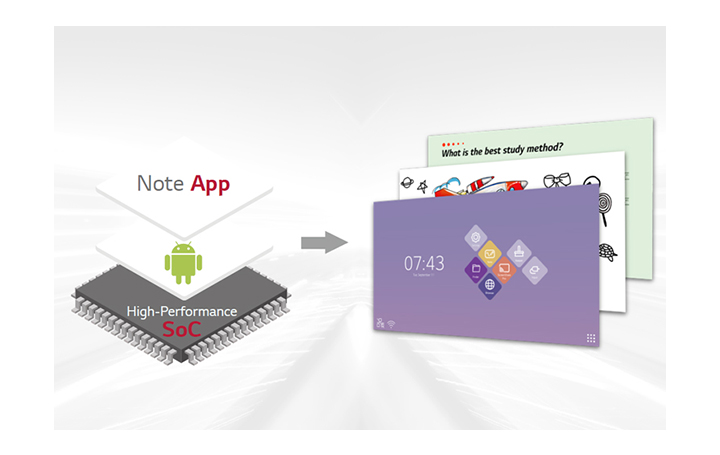
All-in-One
The TR3BF series integrates both Android OS and Free apps into a high performance SoC, without a PC.
SECURITY & COMPATIBILITY
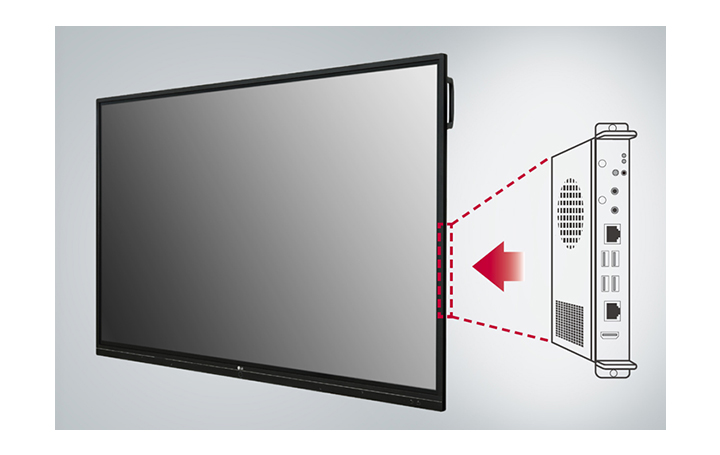
Built-in OPS Slot
The TR3BF series supports OPS slots, allowing you to easily and conveniently mount OPS desktop at the back of the digital board without the hassle of connecting to an external desktop, offering you more expanded functions.
SECURITY & COMPATIBILITY
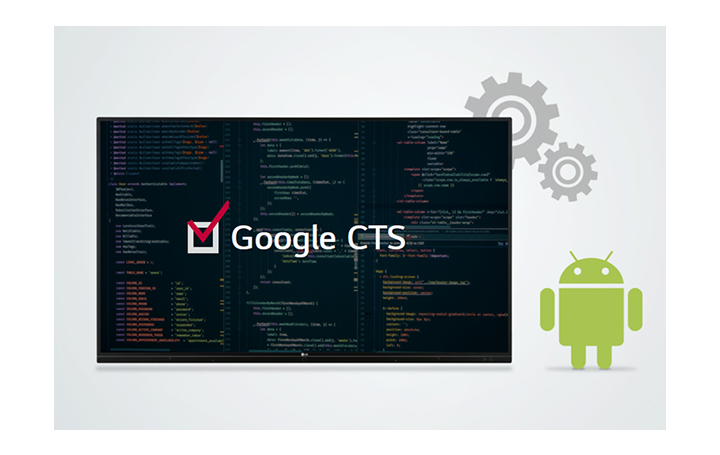
Google CTS Pass
LG Interactive Display was granted an approval for Google’s Compatibility Test Suite, which is Android API & Application Compatibility Test, on August of 2019. This CTS approval ensures that LG Interactive display supports stable work on Android OS.
* This feature is for the TR3BF series only.
SECURITY & COMPATIBILITY
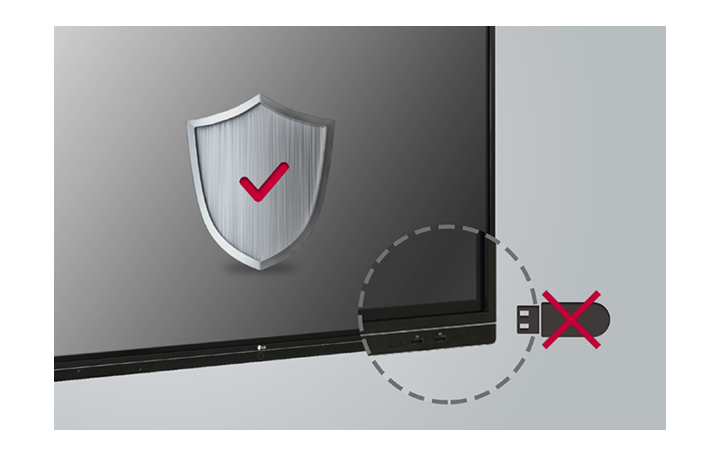
USB Block
The USB Block Mode that helps secure and prevent data from being copied into unauthorized devices in advance, which is essential for being used in space where security is critical.
SECURITY & COMPATIBILITY
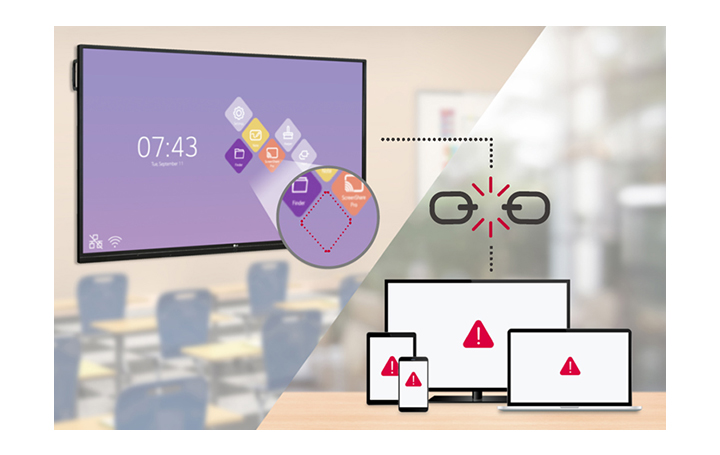
Secure Mode
Secure Mode blocks unauthorized contents to be shown via sharing screen function in various devices. The preloaded applications related to share screens will be hidden from menu. Secured mode disables screen mirroring options for SSP (Screen Share Pro). It helps prevent unauthorized access to your IDB.
USER CONVENIENCE
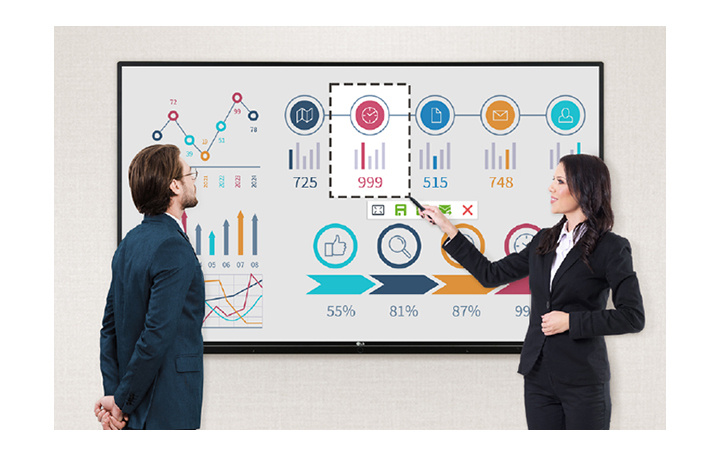
Partial Capture
Users can select the desired area of the screen to crop the image and store that in internal memory. Also, TR3BF allows that send cropped images directly to email or note apps.
USER CONVENIENCE
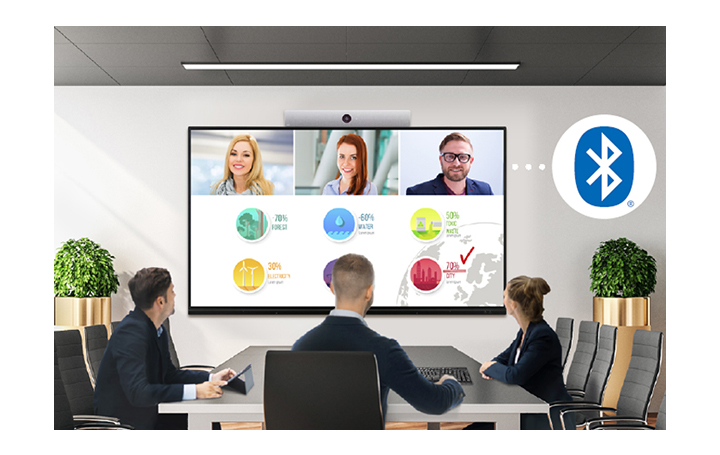
Bluetooth Connectivity
TR3BF supports Bluetooth to connect wirelessly to various devices such as speaker, mouse, keyboard, etc. This is optimized for building a hybrid environment so that online and offline meeting and class can proceed without problems.
USER CONVENIENCE
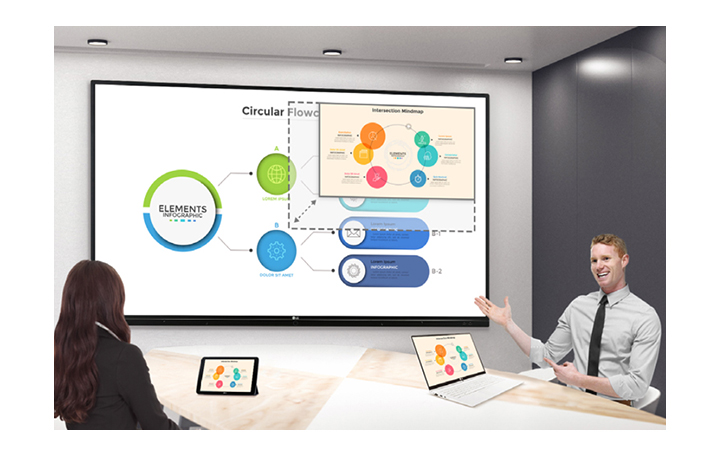
PIP Support
PIP function enables IDB to display multiple kinds of content while the android content remains in view. So it is possible to see and work on multiple tasks with additional input.
* PIP function is provided in app form.
* It can only be changed to the specified size.
USER CONVENIENCE
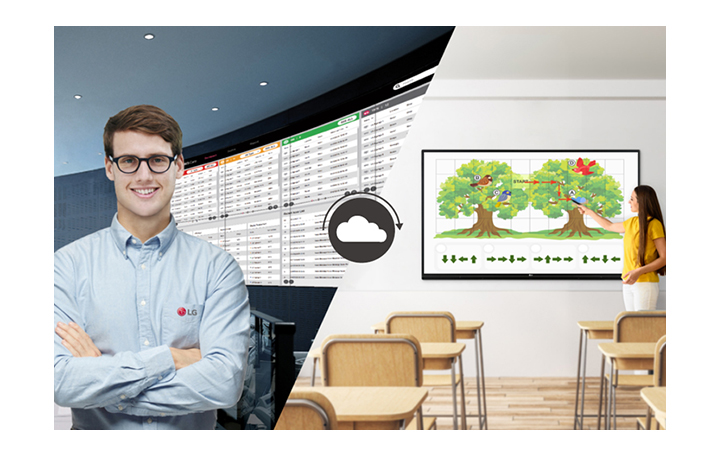
Real-time ConnectedCare Service
Maintenance is easy and fast with the optional ConnectedCare* service, a cloud service solution provided by LG. It remotely manages the status of displays in client workplaces for fault diagnosis and remote-control services, ensuring the stable operation of clients’ businesses.
* The availability of the “ConnectedCare” service differs by region, so please contact the LG sales representative in your region for more details.
Tech Spec
-
Panel
Screen Size 65″ Panel Technology IPS Aspect Ratio 16 : 9 Brightness (w/ Glass, Typ.) 350 Contrast Ratio 1,200:1 Viewing Angle (H x V) 178 x 178 Response Time 9ms(G to G) Life Time (Typ.) 30,000 Hrs (Min.) Operation Hours 16Hr Orientation Landscape -
Connectivity
(Input) Video / Audio HDMI (3), RGB / Audio In (Input) External Control RS232C In (Input) USB USB 2.0 (3, Front : 2ea, Bottom side: 1ea Only for software update), USB 3.0 (3), Touch Out(USB2.0,B Type) (2) (Output) Video / Audio HDMI (1), Optical Output / Audio Out -
Mechanical Specification
Bezel Color Black Bezel Width(Off Bezel) Top/Right/Left:17.7mm, Bottom:45.7mm Weight (Head) 40kg Packed Weight 67.6kg Monitor Dimension (W × H × D) 1,488×897×86mm Carton Dimensions(W x H x D) with pallet 1,700×1,175×250mm Handle Yes VESA™ Standard Mount Interface 600 x 400 -
Special Feature
Embedded Writing Software Yes -
Environment Conditions
Operation Temperature 0 °C to 40 °C Operation Humidity 10 % to 80 % -
Power
Power Supply 100-240V~, 50/60Hz Power Type Built-In Power Power Consumption (Typ. / Max.) 145/275 W -
Sound
Speaker Built in 24W (12W + 12W) -
Standard (Certification)
Safety CB / NRTL EMC FCC Class “A” / CE ErP Yes (EU Only) -
Media Player Compatibility
OPS type compatible Yes -
Touch
Touch type IR Available object size for touch Ø3 mm ↑ Response Time 60ms ↓ (Android) / 100ms ↓ (Windows) Accuracy 1.5mm Interface USB 2.0 Protection Glass Thickness 4T (Anti-Glare) Protection Glass Transmission 87% Operating System Support Windows 7/8/10/WindowsXP/Linux/Mac/Android (WindowsXP/Linux/Mac Support one point touch) Multi Touch Point Max 20 Point -
Accessory
Basic Power Cord 3 M*1, USB Cable (Type A-Type B) 5 M*1, HDMI Cable 3 M*1, Writing Pen*2pcs, User Manual, QSG, Carton Box, Remote Control


