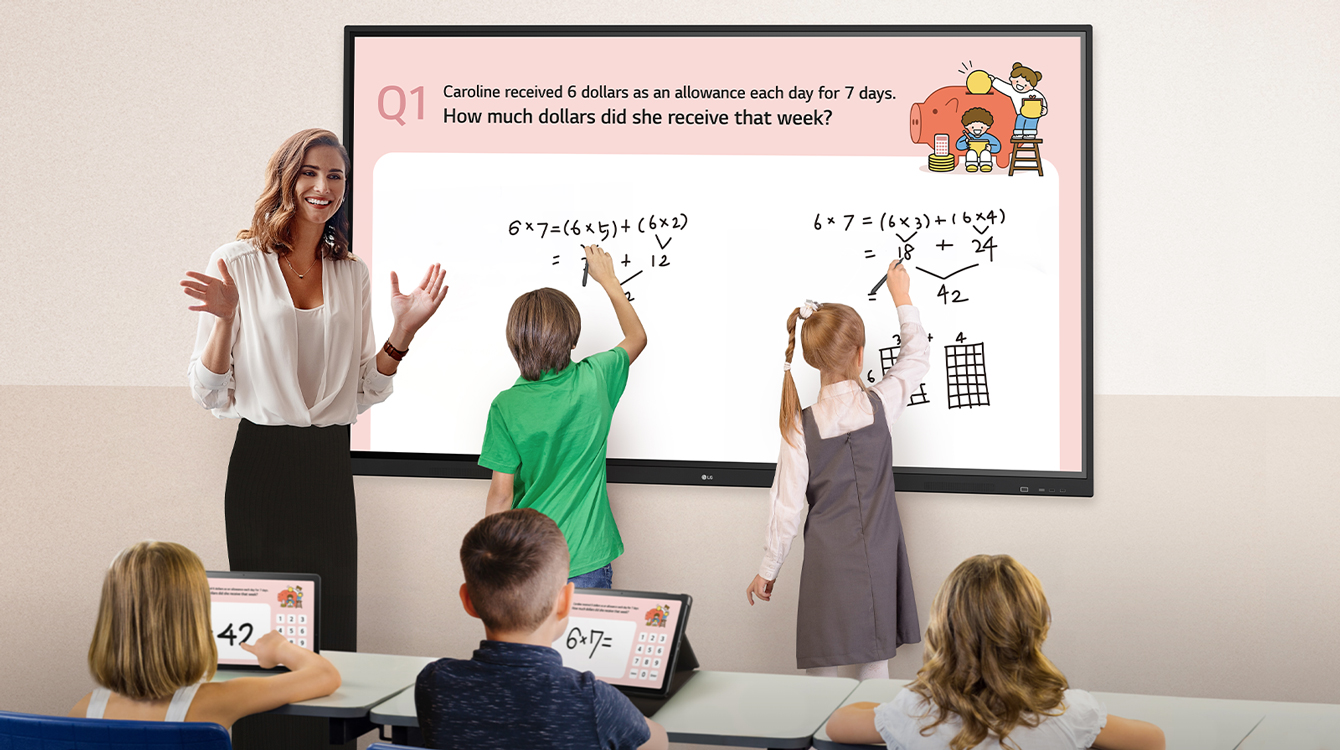
True Interactivity
Bringing People Together
* All images are for illustrative purposes only.
SMOOTH TOUCH & WRITING EXPERIENCE
Multi Touch
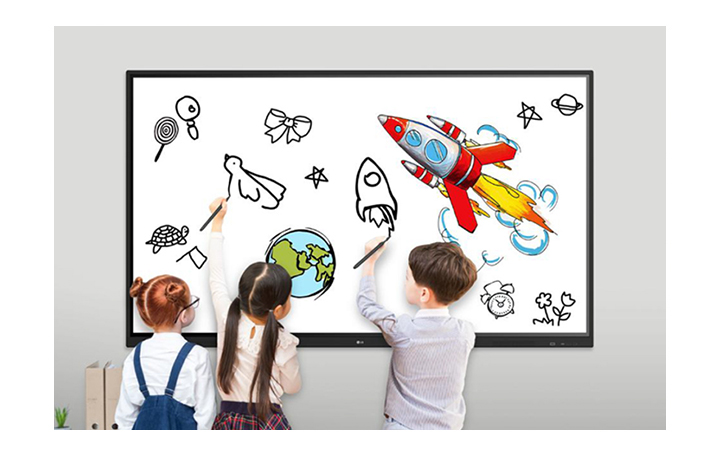
The TR3DJ series can simultaneously use up to 20 points of multi touch. This function offers a lifelike board touch experience and makes collaboration much easier.
SMOOTH TOUCH & WRITING EXPERIENCE
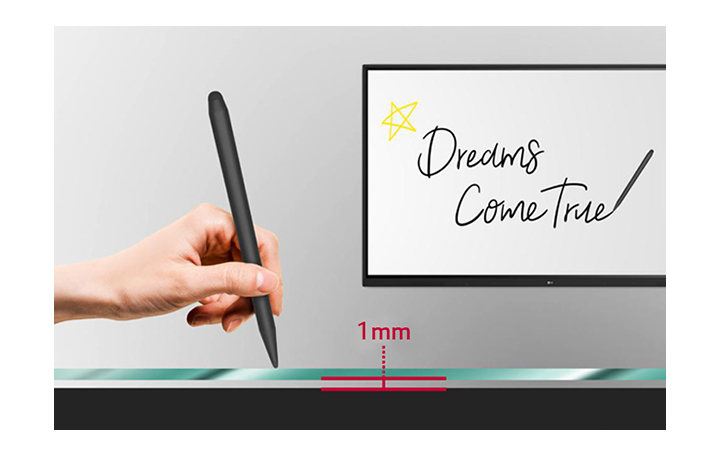
Enhanced Visibility with Low Parallax
With 1mm gap between the screen and tempered glass, which supports low parallax, The TR3DJ series can offer precise touch and excellent writing experience.
SMOOTH TOUCH & WRITING EXPERIENCE
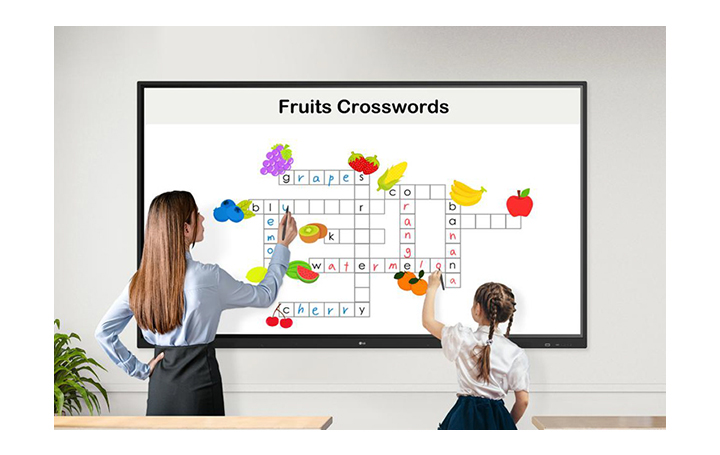
Dual Pen & Dual Color
The stylus pen comes in two different colors and with two different tip sizes of 3mm and 8mm. The dual pens enable users to write or draw simultaneously.
SMOOTH TOUCH & WRITING EXPERIENCE
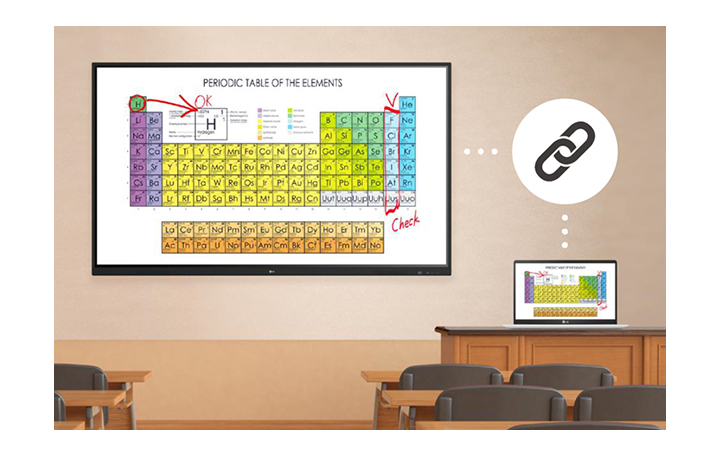
Easy Writing Experience
The TR3DJ series allows you to write and annotate on sources, so your writing experience can be easy and satisfying.
EASY CONNECTION & SHARING
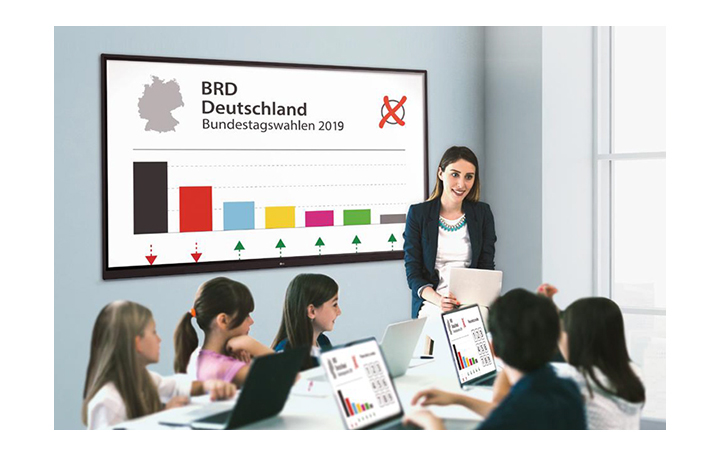
Air Class
Air Class supports connecting up to 30 students and offers interactive meetings for mobile devices on the same network, providing a variety of tools such as voting, answering, and sharing project texts. Air Class is easily accessible from the TR3DJ’s main toolbar.
EASY CONNECTION & SHARING
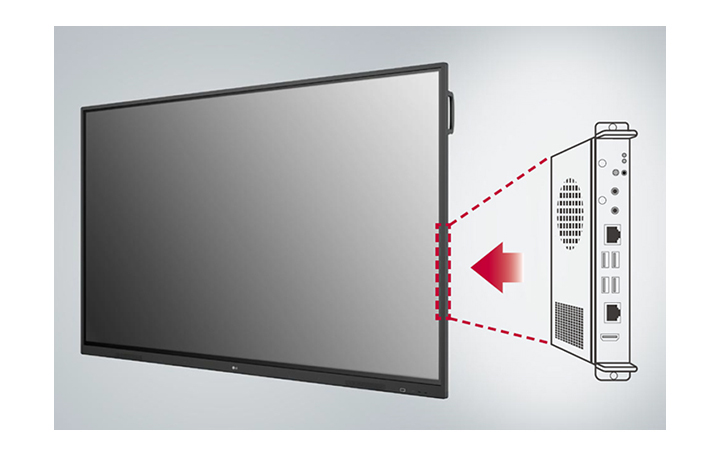
Built-in OPS Slot
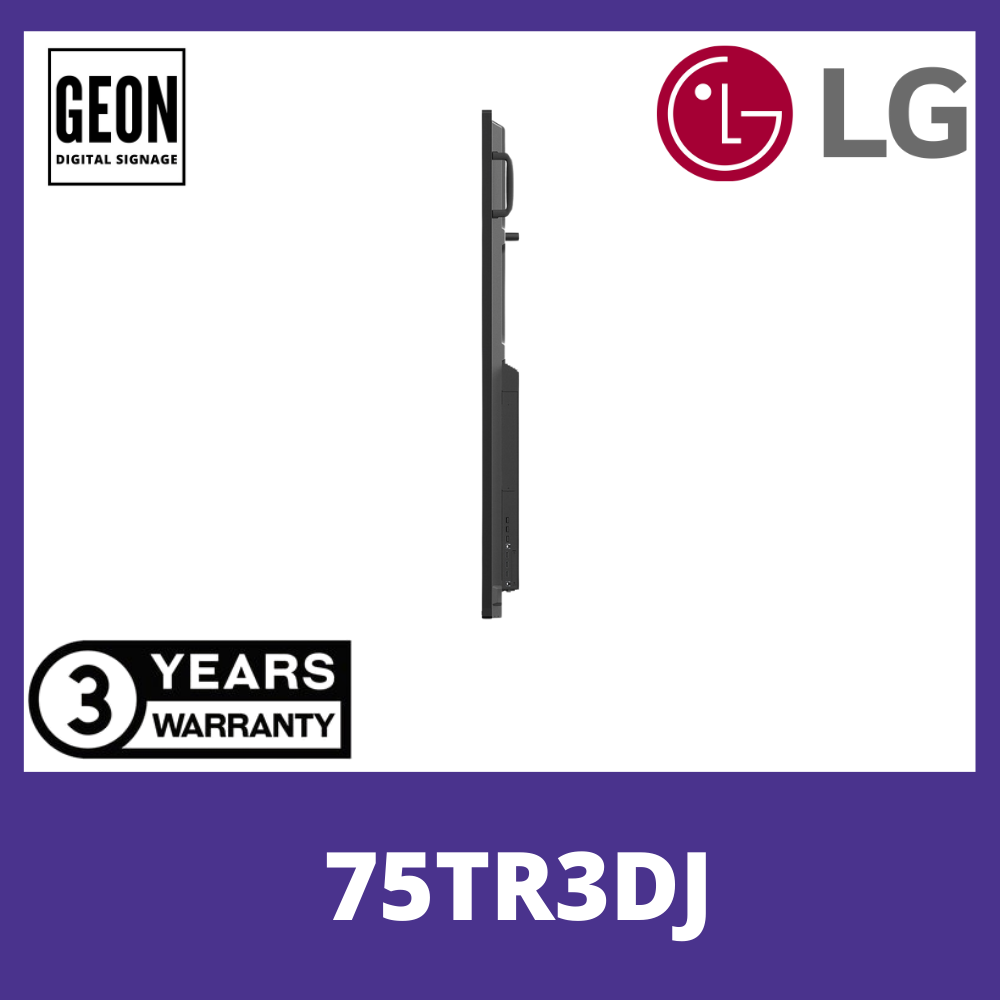
The TR3DJ series supports OPS* slots, allowing you to easily and conveniently mount an OPS device at the back of the digital board without the hassle of connecting to an external desktop, offering you more expanded functions.
* OPS : Open Pluggable Specification
EASY CONNECTION & SHARING
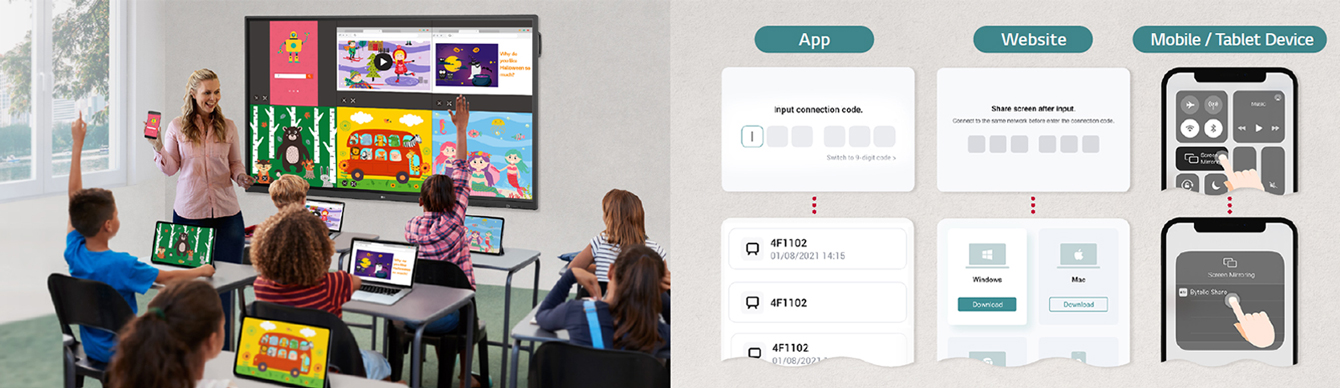
Wireless ScreenShare
LG CreateBoard Share enables users to show up to 6 shared screens or a file on a screen in real-time when the LG CreateBoard Share app is installed on the device. Also, files from the host can be easily sent to any devices connected to the LG CreateBoard Share app, and several quick controls by the host are available.
* LG CreateBoard also supports app-less sharing for PC (via website) and mobile devices within the same network.
* For a more stable connection, we recommend the installation of a dedicated app (LG CreateBoard Share).
* ScreenShare Pro software has been updated to LG CreateBoard Share, and improved features are available with the updated version.
EASY CONNECTION & SHARING
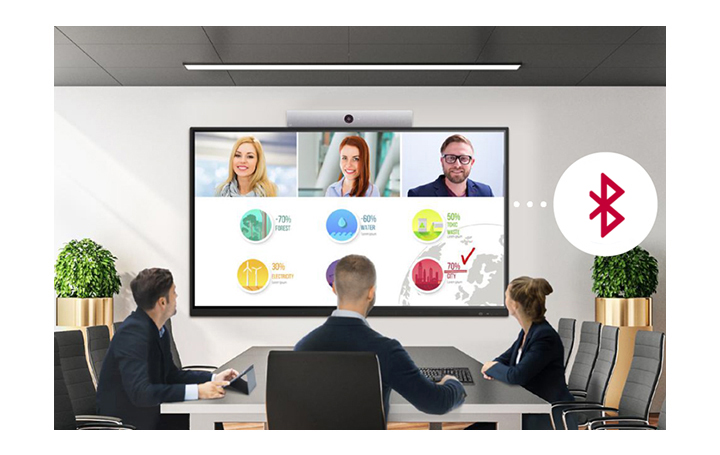
Bluetooth Connectivity
TR3DJ supports Bluetooth wireless connections to various devices such as speaker, mouse, keyboard, etc. This is optimal for building a hybrid environment so that online and offline meetings and classes can proceed smoothly.
USER FRIENDLY EXPERIENCE
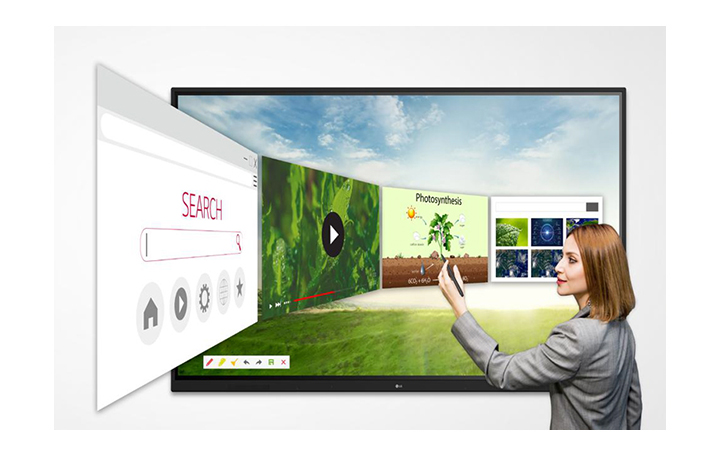
Web Browser
The TR3DJ series supports an embedded Android web browser, so you can search the web easily and quickly, without connecting to an external tablet or computer.
USER FRIENDLY EXPERIENCE
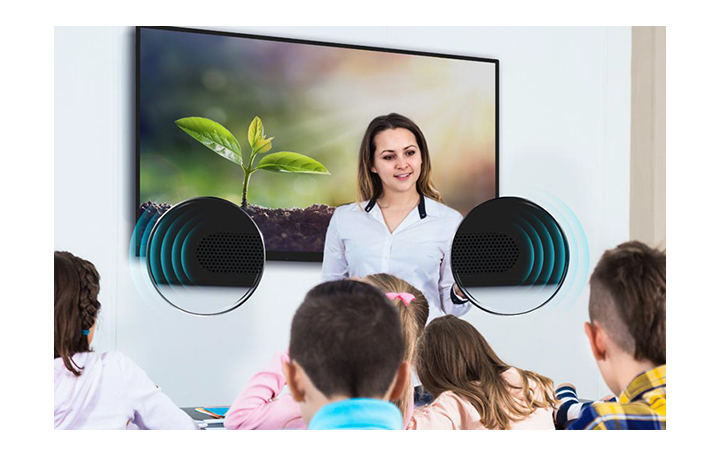
Audio Experience
The TR3DJ series supports built-in speakers in both sides of the front bezel which deliver clear audio experience.
USER FRIENDLY EXPERIENCE
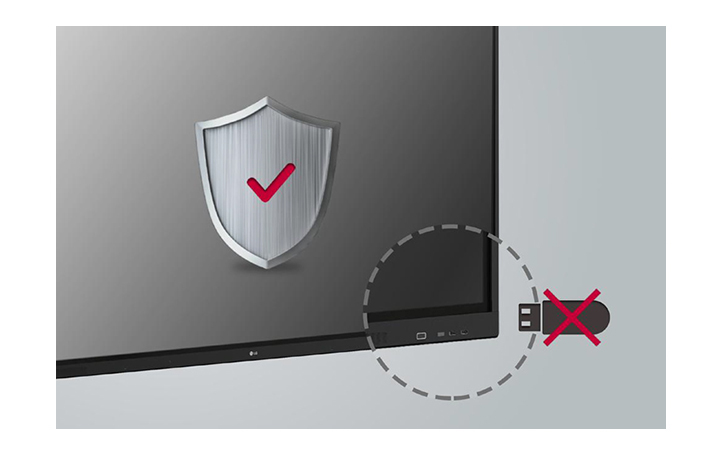
USB Block
USB Block Mode is a security measure that helps prevent data from being copied to unauthorized devices, which is essential for being used in spaces where security is critical.
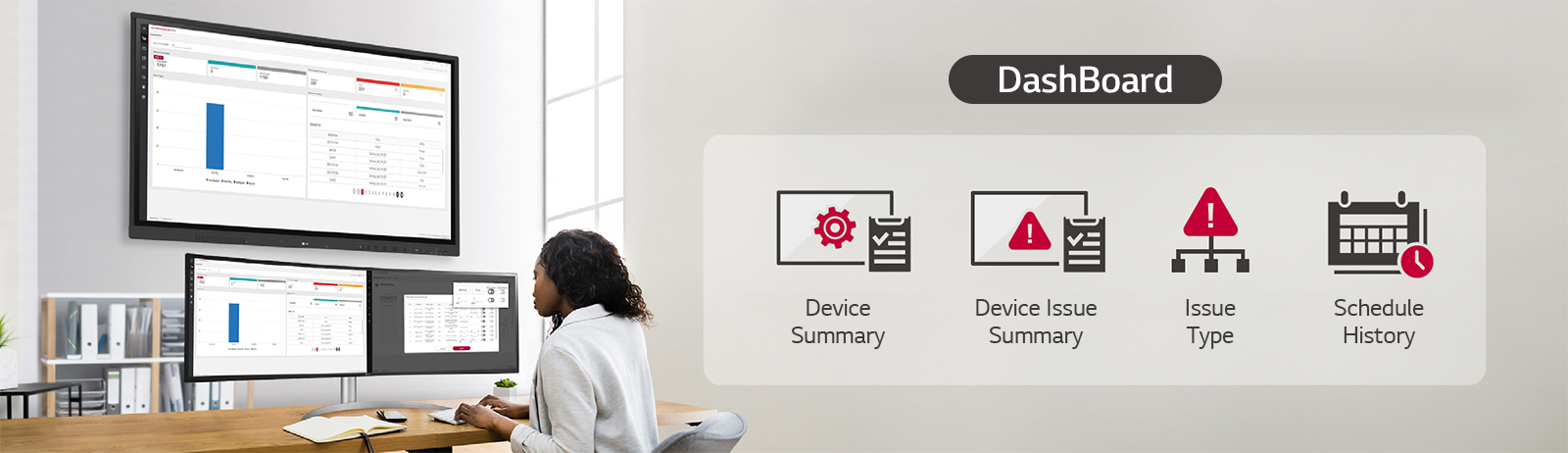
LG ConnectedCare DMS
LG ConnectedCare DMS is a cloud solution for remotely monitoring, controlling, and managing the status of LG CreateBoard installed in educational environments. This feature enables IT managers to operate and manage important resources on operating devices without physically visiting sites.
* ‘LG ConnectedCare DMS’ needs to be purchased separately.
* The availability of the ‘LG ConnectedCare DMS’ service differs by region,
so please contact the LG sales representative in your region for more details.
* LG ConnectedCare DMS supports the TR3DJ/TR3PJ/TR3DK Series as of now(plus more to come) under a cloud environment.
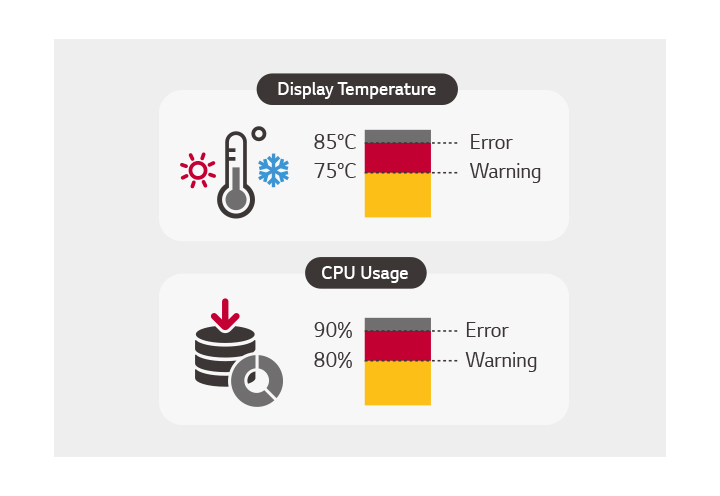
Threshold Settings
Users can set thresholds in eight categories including display temperature, memory usage, or signal, and can receive warning or error notifications based on their threshold settings.
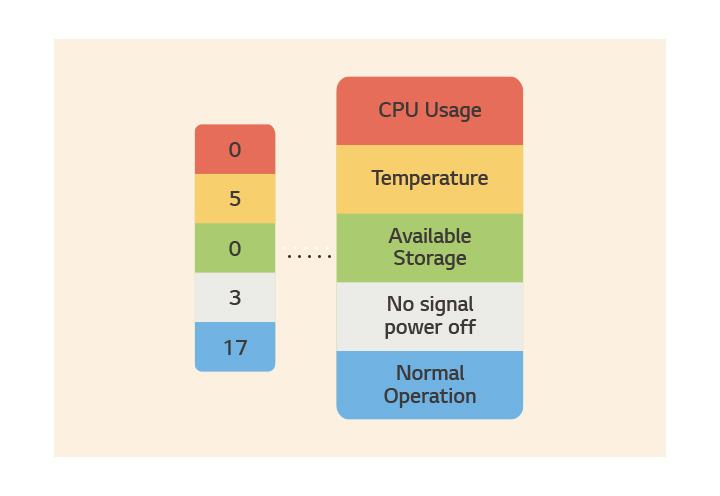
Monitoring &
Fault Diagnosis
An engineer can check the status in real-time and diagnose problems remotely. Also, the current status of issues can be categorized, allowing for easy viewing and quick responses.

Issue Management
Remote issue management can be carried out by the LG ConnectedCare DMS solution. This makes management safer and more efficient, facilitating the stable operation of the classroom.
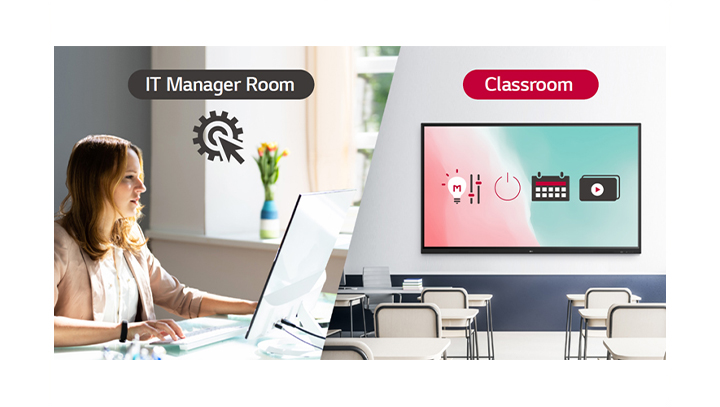
Remote-control / Scheduling
Frequently used controls such as the power on/off, scheduling, brightness, and screen lock functions can be applied using a remote control.
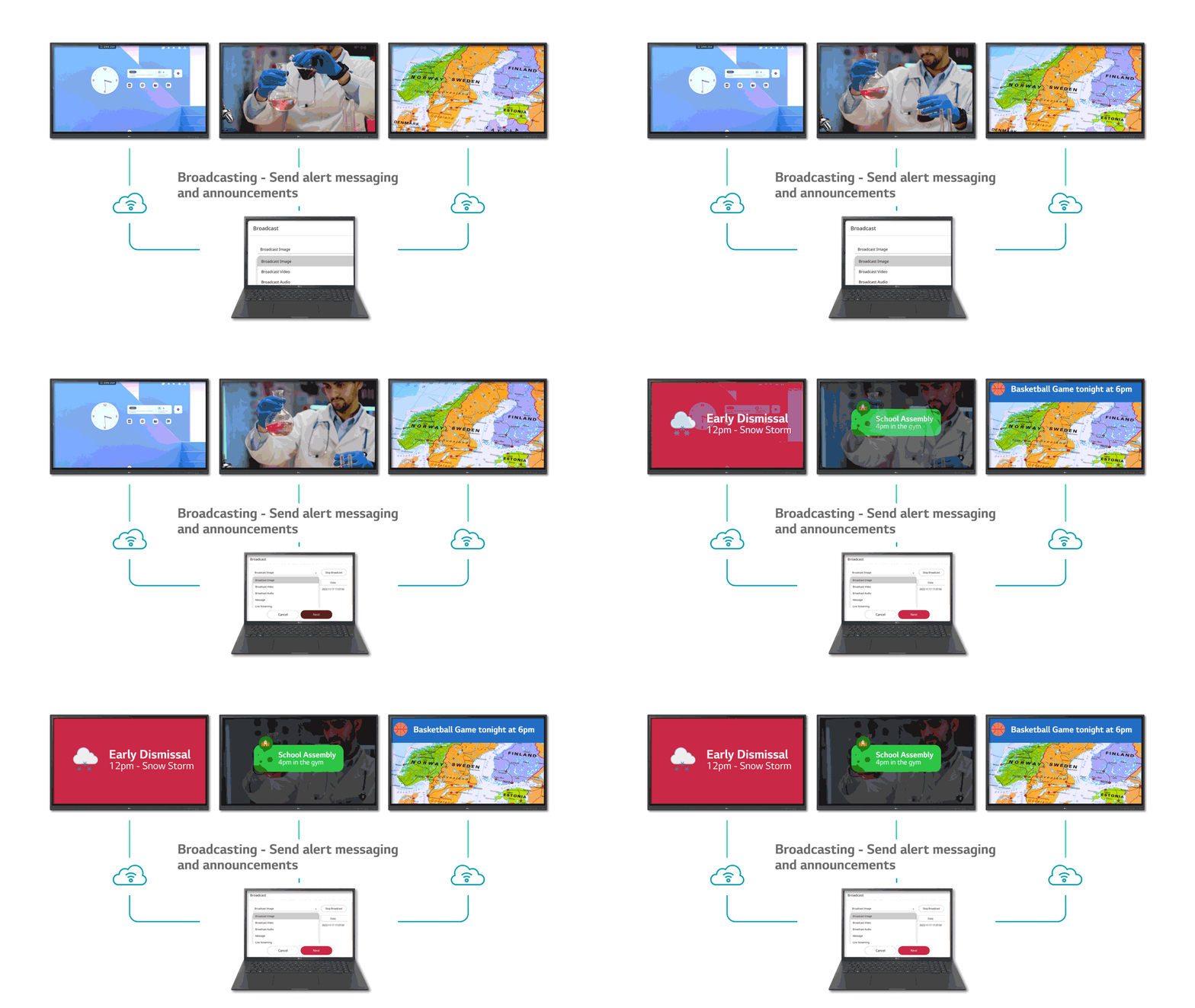
Broadcasting / Alert Messaging
Messages and a range of other content can be sent from the main system to individual classroom devices connected to LG ConnectedCare DMS.
In case of urgent occasions such as a fire or a natural disaster, alert messages can be distributed manually across the system, which help teachers and students promptly take safety action.
Tech Spec
-
Panel
Screen Size 75″ Panel Technology IPS Aspect Ratio 16 : 9 Native Resolution 3,840 x 2,160 (UHD) Brightness w/o Glass : 490 nit (Max.), 390 nit (Typ.)
w/ Glass : 450 nit (Max.), 350 nit (Typ.)Contrast Ratio 1,200:1 Viewing Angle (H x V) 178 x 178 Response Time 8ms (G to G) Life Time (Typ.) 30,000 Hrs (Min.) Operation Hours (Hours / Days) 16/7 Portrait / Landscape Landscape -
Mechanical Specification
Bezel Color Black Bezel Width 18.9/18.9/18.9/45.7 mm (T/R/L/B) Weight (Head) 53.1Kg Packed Weight 69.85Kg Monitor Dimensions (W × H × D) 1,710 × 1,020 × 87 mm Handle Yes VESA™ Standard Mount Interface 800 x 400 -
Environment Conditions
Operation Temperature 0 °C to 40 °C Operation Humidity 10% to 80% -
Power
Power Supply AC 100-240V~, 50/60Hz Power Type Built-In Power Power Consumption (Typ. / Max.) 285W / 350W -
Standard (Certification)
Safety CB / NRTL EMC FCC Class “A” / CE ErP Yes -
Media Player Compatibility
OPS type compatible Yes (Slot) OPS Power Built In Yes -
Connectivity
(Input) Video / Audio HDMI (3), HDCP2.2/1.4 (Input) External Control RS-232C In (1) (Input) USB USB 3.0 Type A (3), USB 2.0 Type A (3) (Output) Video / Audio Audio Out / Optical Output -
Sound
Speaker Yes (10W x 2) -
Accessory
Basic Power Cord 3m, USB Cable (Type A-Type B) 5m, HDMI Cable 3m, Writing Pen (2pcs), User Manual, Quick Start Guide, Carton Box, Remote Controller (include battery 2ea), WiFi module -
Touch
Available Object Size for Touch Ø3 mm ↑ Response Time 60ms ↓ (Android)
100ms ↓ (Windows)Accuracy ±2mm Interface USB 2.0 Protection Glass Thickness 4T (Anti-Glare) Protection Glass Transmission 87% Operating System Support Windows 7/8/10 / Windows XP / Linux / Mac / Android
(Supports one point touch on Windows XP / Linux / Mac)Multi Touch Point 20 Points (Max.)