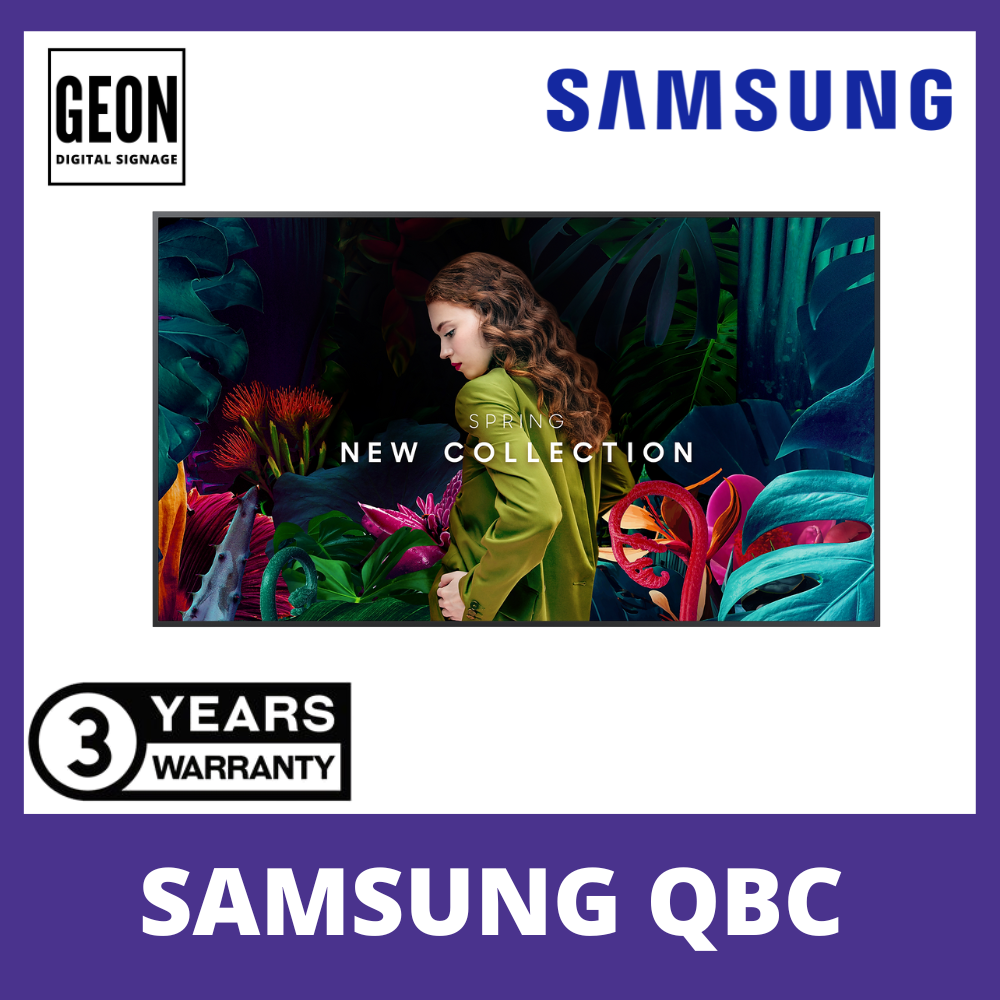
Slim design. Stunning performance.
Introducing QBC, the slimmest display in the Samsung UHD Signage. It brings elegance to business while maximizing space. Its enhanced internal solutions and intuitive home screen UX make it easy to use. Businesses in various verticals can achieve growth with QBC’s efficiency and design innovation.

Maximum impact in minimum space
The QBC’s unparalleled ultra-slim 28.5 mm depth makes it the thinnest option in Samsung’s UHD series. It is compatible with a Slim Fit Wall Mount*, which allows you to install it neatly and easily in any location. QBC optimizes space with its sleek design that blends seamlessly into your business environment.

* Slim Filt Wall Mount must be purchased separately.
Clean visuals in landscape or portrait mode
Even bezel
The bezels are consistent and even on all four sides of the display, with the same thickness and dimensions. The new even bezel design prevents any visual issues from arising when the display is adjusted to portrait mode.

* When compared to Samsung’s previous UHD signage models.
Secure and even mounting
Centered VESA Holes
The central positioning of the VESA holes on the back of the display evenly distribute its weight for secure mounting. With the VESA holes now shifted to the center, users can adjust the display to portrait mode without the display tilting unintentionally.

* The position of the VESA holes may vary slightly by model.
Lifelike color, born in a pure state with fine crystal
Dynamic Crystal Color
Every picture is more immersive with one billion shades of color. Dynamic Crystal Color delivers true-to-life variations, allowing customers to see every subtlety.

View lifelike shades of color in powerful 4K
Crystal Processor 4K
Samsung’s industry-leading video processing technology enhances every piece of content for clarity and consistency. Intelligent UHD upscaling technology, powered by Samsung’s Quantum Processor Lite 4K, elevates lower-resolution video to UHD, providing a professional picture quality.

* When compared to Samsung’s FHD model* Viewing experience may vary according to types of content and format
Connect with convenience
Home UI
QBC boasts greater usability with an upgraded home screen UI. Popular categories like Favorites, Sources and Settings are displayed on the same screen for convenient availability. The Favorites folder grants users quick, easy access to frequently used features in a single click.

Simplified calibration between screens with mobile app
Smart Calibration
Guarantee complete brand consistency across every display in every location. Using the Samsung mobile app, Smart Calibration ensures every display is calibrated correctly, showcasing brand logos and other collateral in the exact colors required.

Enhance professional environments with expert tools
Professional Modes
Built-in professional modes enable more possibilities in specific verticals. Director Mode minimizes post-processing, aligning content to the director’s original intention. Medical teams can simulate medical images such as X-rays with DICOM Simulation Mode, meeting DICOM’s full grayscale standards

Change the way to manage your display
Samsung VXT
Samsung VXT CMS is a cloud-based solution that brings together content management and remote device management capabilities, allowing users to remotely manage hardware settings and troubleshoot issues while effortlessly creating and deploying content with no previous training needed.

* VXT CMS must be purchased separately.
Everyday Sustainability
Energy Star / EPEAT*
Samsung is making diverse efforts to reduce our environmental impact in smart signage, and encouraging users to pursue a more sustainable life. As a result, QBC series has earned a series of certifications for environmentally preferable products from highly recognized institutes in the U.S.

*QBC series has earned an ENERGY STAR 8.0 certification from the Environmental Protection Agency for its energy efficiency and an Electronic Product Environmental Assessment Tool (EPEAT) certification in recognition of its eco-conscious efforts, such as its recycled plastic use.
Specifications
-
Display85″
-
Resolution3,840 x 2,160
-
Pixel Pitch (HxV)0.487×0.487mm
-
Brightness (Typ)350 nit
-
Flash Memory Size8GB
-
Dimension1904.3 x 1085.3 x 28.5 mm
Specifications Detail
Display
- Diagonal Size85″
- Panel TypeVA
- Resolution3,840 x 2,160
- Pixel Pitch (HxV)0.487×0.487mm
- Brightness (Typ)350 nit
- Contrast Ratio4,000:1
- Viewing Angle (H/V)178/178
- Response Time10ms
- Color Gamut72% (NTSC)
- Glass Haze2%
- H-Scanning Frequency30~81kHz
- Maximum Pixel Frequency594MHz
- V-Scanning Frequency48~75Hz
- Contrast Ratio (Dynamic)Mega
- Operation Time Support16/7
Connectivity
- HDMI In3
- DP InNo
- DVI InN/A
- Version of HDMI2
- Version of DPNo
- Version of HDCP2.2
- Tuner InN/A
- USB2
- IR InYes
- HDBaseT InN/A
- Audio InNo
- Audio OutStereo Mini Jack
- Video OutN/A
- Power OutN/A
- RS232 InYes
- RS232 OutYes
- RJ45 InYes
- RJ45 OutN/A
- WiFiYes
- 3G DongleN/A
- BluetoothYes
Power
- Power SupplyAC100-240V 50/60Hz
- Power Consumption (Off Mode)N/A
- Power Consumption (On Mode)231 W
- Power Consumption (Sleep Mode)0.5 W
Dimension
- Set Dimension (WxHxD)1904.3 x 1085.3 x 28.5 mm
- Package Dimension (WxHxD)2077 x 1222 x 210 mm
Weight
- Set Weight41.9 kg
- Package Weight53.9 kg
Operation Conditions
- Temperature0℃~ 40℃
- Humidity10 ~ 80%, non-condensing
Mechanical Specification
- VESA Mount600 x 400 mm
- Bezel Width13.9mm (even)
- Bezel ColorChacoal Black
- Frame MaterialNon-Glossy
Optional Feature
- MountWMN-B50SC
- StandSTN-L6585C
SoC
- OS VersionTizen 7.0
- Flash Memory Size8GB
Eco
- Energy Efficiency ClassN/A
Certification and Compliance
- EMCClass A
- Safety60950-1, 62368-1